Home / Codes / How to redeem
How to redeem Vox Seas codes
Checked · 4 listed sources · How I check
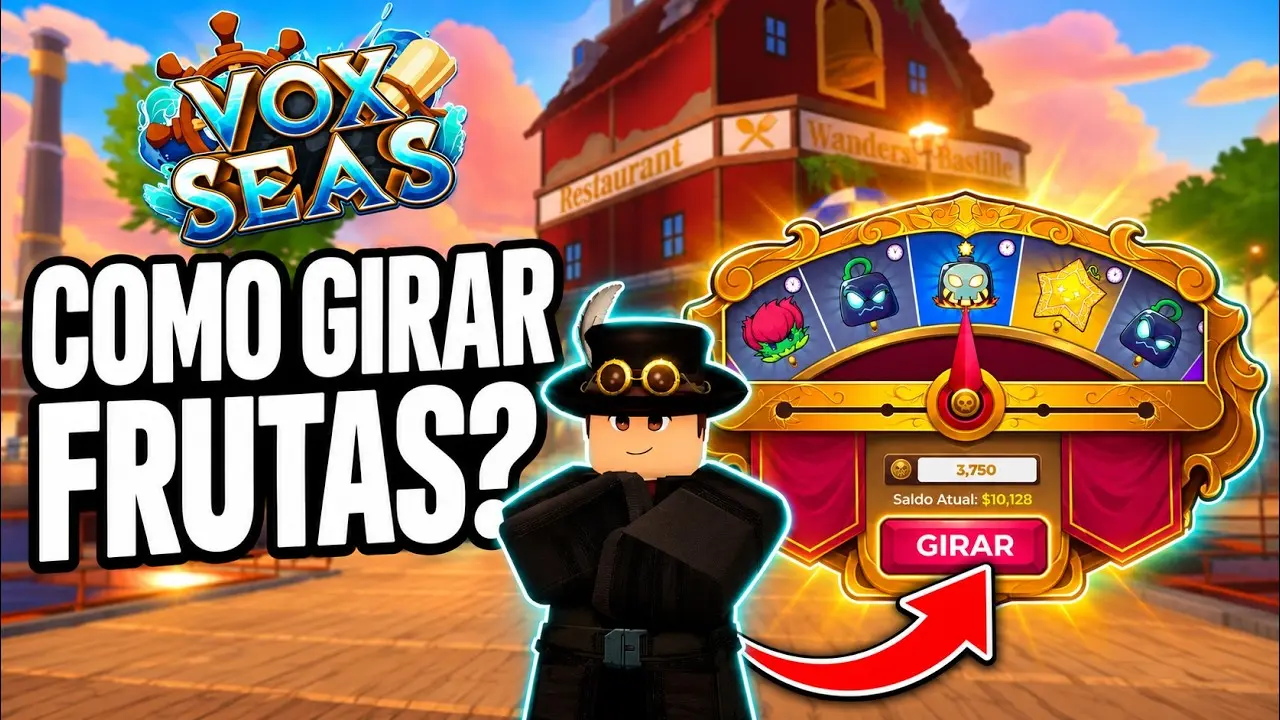
Redeeming is a menu action inside Vox Seas, not a website form. The working list is on the codes page. Copy the code first. The box itself is a few taps deep.
The path three guides share
- Open the menu (the button guides call a hamburger).
- Open the settings gear.
- Scroll to the bottom of that screen.
- Type the code into the box. Respect capitals.
- Press REDEEM.
When the box says no
- The code is in the archive, especially the 2025 BugFix batch.
- This account already redeemed it.
- The spelling drifted. The Trello card writes PatchRtese; the other lists write PatchReset.
- You are still in a server from before the last patch. Join a new one.
Vox Seas Brasil publishes four pictures of this path. I link that guide instead of re-hosting the pictures. The steps above are the part all three English and Portuguese writeups agree on. I am not adding a sixth step nobody described.
Nothing in the current reward column is a fruit. If a popup outside the game asks you to log into Roblox to “claim Elastic,” close it and use the gear menu instead. The official community channels and current Discord invite status are on the links page.
Questions
Where is the code box?
Menu, then the settings gear, then the bottom of that screen. Three guides describe the same path.
Why was my code rejected?
It may be expired, already used on that account, typed with the wrong case, or you may still be in an old server after a patch.
Can a code give me Elastic?
No current code pays a fruit. Rewards are a stat reset, gold, or double EXP. A site that wants your password for a fruit is not this menu.
Related
Sources
- Vox Seas Brasil codes — checked 2026-11-23
- voxseas.wiki codes — checked 2026-11-23
- BloxInformer codes — checked 2026-11-23
- Official Trello — Vox Seas — checked 2026-11-23